What Microsoft 365 Copilot Actually Does
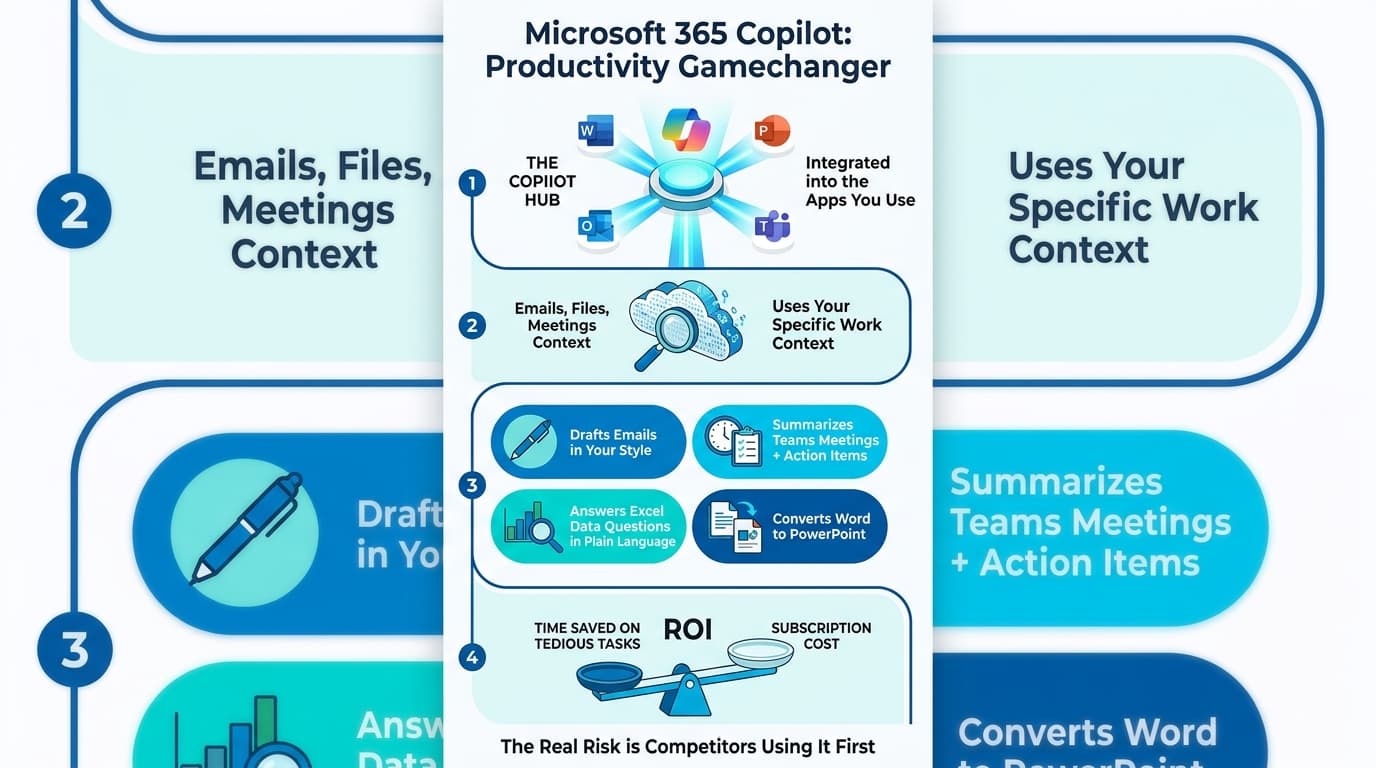
Most people hear "Copilot" and think of a chatbot in a separate window. That's not what Microsoft 365 Copilot is. It sits inside the apps your team already uses, with access to your emails, your files, your meetings. That access is most of the value.
Here's what each app actually does.
In Outlook
Drafts replies if you give it three points. Summarizes long email threads in a sentence or two. Suggests a meeting time that respects your calendar and theirs. The thing it's best at: cutting the time you spend on email that nobody enjoys writing.
In Word
Pulls a first draft from your own notes or another document. Tightens a paragraph that's gone on too long. Pulls headings and structure out of a long flat document. Decent at the first 70%. The last 30% still needs a human.
In Excel
Explains what's happening in a sheet you didn't build. Suggests formulas in plain English. Highlights patterns in a table. Less reliable than the others — Excel is precise and Copilot is approximate, so always double-check the numbers.
In PowerPoint
Turns a Word document into a slide deck. Suggests visuals. Reformats a deck you inherited. Won't replace a designer, but it'll get you to a passable first draft in five minutes instead of an hour.
In Teams
The most underrated one. Summarizes a meeting you missed and pulls out who said what. Generates action items. Surfaces follow-ups you'd otherwise lose. For people who sit in too many meetings, this is where the time savings show up.
What it doesn't do
It doesn't replace judgment. It doesn't write in your voice without coaching. It doesn't know your company's priorities unless they're written down somewhere it can find them. And it doesn't fix a messy SharePoint — it inherits the mess and gives you confused answers.
That's the honest version. Useful tool inside familiar apps, with real limits worth knowing before you roll it out.
Want help thinking through your own rollout? Get in touch.